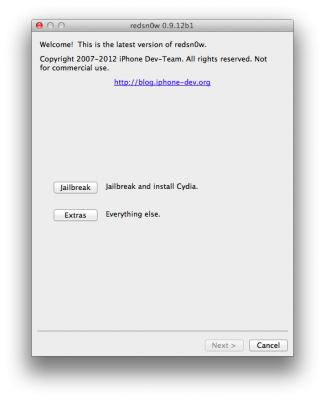
PwnageTool 5.1.1 allows to create custom firmware and preserve modem version for unlock with ultrasn0w or Gevey. PwnageTool 5.1.1 supports all A4 devices:
iPhone 3GS
iPhone 4
iPad 1
iPod Touch 3G
iPod Touch 4G
Apple TV 2G
You can download RedSn0w 0.9.12b1 here and PwnageTool 5.1.1 here.
iOS 5.1.1 untethered jailbreak tutorial using Redsn0w is available here.
These are instructions on how to jailbreak your iPhone using PwnageTool 4.1.2 for Mac OS X. If you need unlock and you have not updated to iOS 4 you will be able to preserve baseband and unlock iPhone using ultrasn0w.
This guide will work for iPhone 4, iPhone 3GS, iPhone 3G, iPod Touch 3G, iPod Touch 4G, iPad and AppleTV. Just use the right firmware and select the right device (step four).
Step One
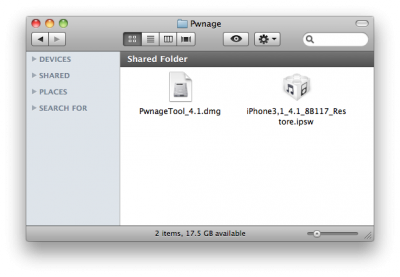
Make a folder called “Pwnage” on the desktop. Now you need to download there PwnageTool 4.1.2 from and iOS 4.1 firmware from .
When downloading the IPSW file, it is best to download it with Firefox since Safari often auto extracts it!
Step Two
Double click to mount PwnageTool then drag the PwnageTool icon into the Pwnage folder.